CyberSmart Technologies has rebranded.
Welcome to Rollcage Defence.

How TOTP (time-based OTP) works

Two factor authentication is meant to add a second method, or factor, of authentication beyond the traditional username and password combo. In this article, we’ll explore one specific type of 2FA known as Time-based One-Time Password – TOTP. In this article, we look at how TOTP works and how much you should trust it.
TOTP is one of many different types of 2FA, so we’ll refer to it as TOTP. In this article the term service provider refers to the application or service you’re trying to authenticate to.
The journey begins
Seen recently on a website….
“That QR code is just a wrapper for a secret key and some settings. If you save the secret, you can always regenerate the OTP codes — even if you lose your phone.”
Well, that seems like a double-edged sword. It IS good to have a backup, but the fact that the key can be backed up means … it must be visible or exportable.
What if someone else got a hold of the ‘secret’?
How TOTP works
The service provider generates a TOTP shared secret that will be used by them and you. This is a symmetric key – typically a 32 character (160-bit/base-32 encoded) string.
Let’s imagine we need access to a service provided by the ever reliable Vault-Tec. Here’s an ex example of the shared secret they would generate:
2QF6RO5CJH7STXYSCN57SA5PXWWRU6UO
In the TOTP standard RFC 6238, this shared value is called the secret key, but we often call this value the seed. The service provider, Vault-Tec will wrap this seed in a TOTP standard link (or URI) format.
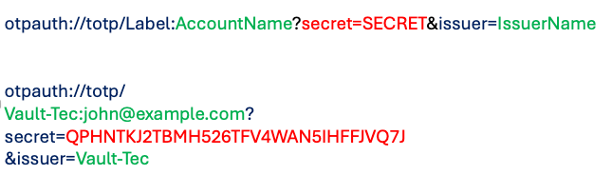
But that’s an absolute pain to type.. so the app owners typically share it with you as a QR code:
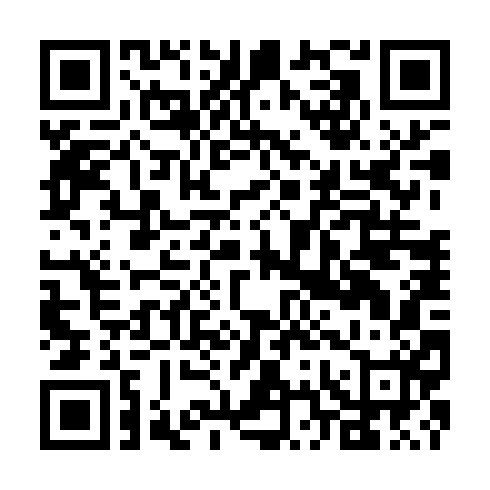
This is the QR code generated from the URI above. If you open your Authenticator app, it will allow you to store it against the Vault-Tec service provider. You can trust us 😉.
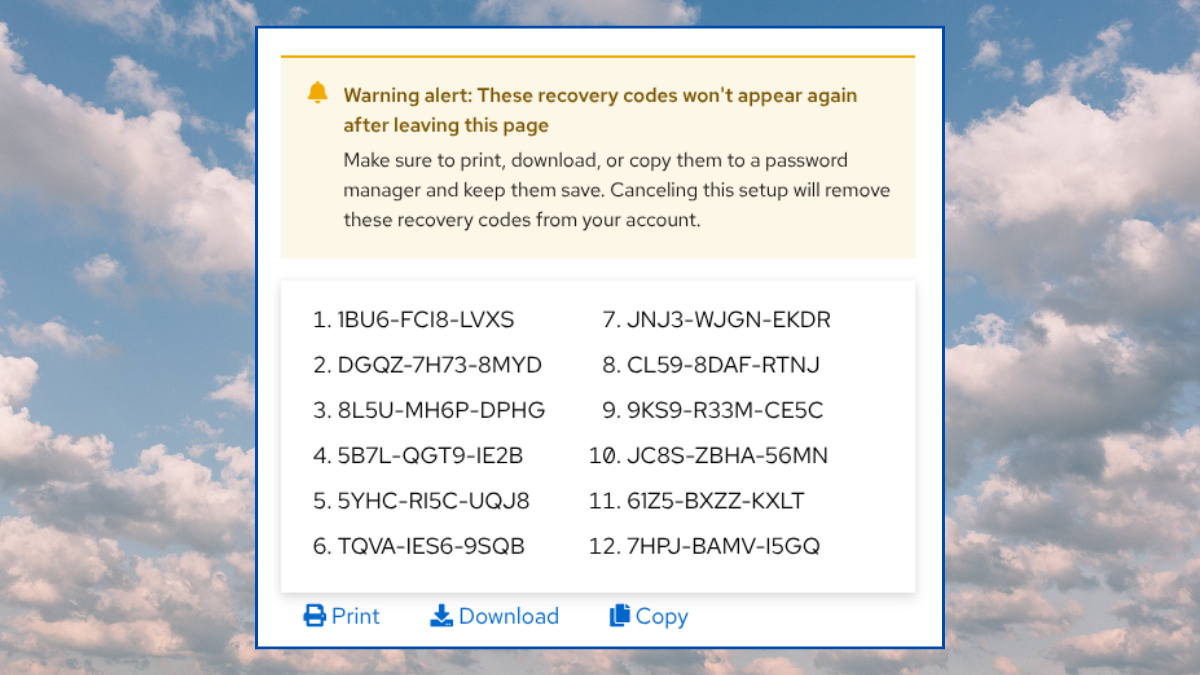
At this stage you will often see a dialog box offering TOTP recovery codes that you should store safely. These recovery codes are have some ‘interesting’ effects on your overall security, so you should come back later to read our article on how to handle TOTP recovery codes.
What does the app know?
When you scan the QR code with your phone, and click next, the code disappears – never to be seen again.
There’s a really good reason for this, you MUST keep the shared secret… well… secret. We should examine what the service provider knows, and why secrecy of the seed is paramount.
The service provider does NOT know:
- If you generated the code – someone else may have the seed!
- What authenticator app was used (Google, Authy, Bitwarden, YubiCo Auth…).
- Which physical device generated the TOTP code. Android, iPhone, PC, Yubikey etc.
- How many times you generated codes.
- How many copies of the secret key exist?
It only knows:
- The copy of the shared secret (Seed) which it generated at enrolment.
- The agreed time window based on clock time.
- If the client-supplied TOTP matches its own generated TOTP code.
The app assumes that:
- Their customer, YOU, are the only other ‘bearer’ of the seed.
- That you are the only entity with possession of the rotating TOTP.
Can the TOTP seed be copied?
Yes. It Can. Remember that the service provider knows nothing about your TOTP Authenticator App, or the device you use to generate the code.
Look what happens when we add the same secret key to the Bitwarden App on my Mac, and the Symantec Authenticator on my iPhone.
Bitwarden – Mac App
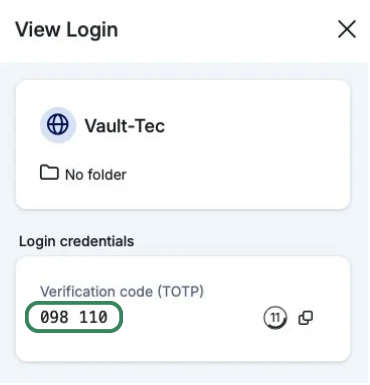
Symantec VIP – iPhone
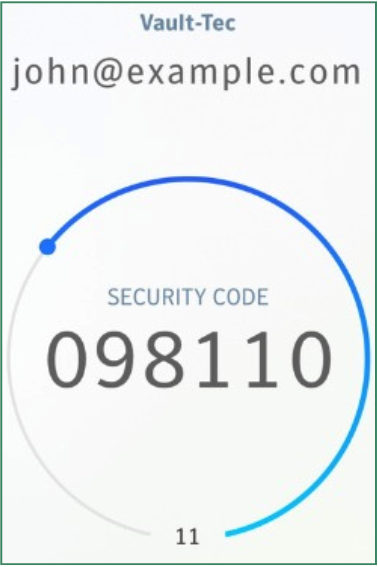
Yep – the generated TOTPs are identical. There’s no limit to the number of apps which can install the shared secret into their TOTP generator.
You should not make a copy of the TOTP secret key without a very,
very good reason’.
There are some good reasons to replicate the seed, but only under very controlled conditions. More to come on this.
Also… we know that you already know this but…. remember that taking a photo of something typically means you’ve just replicated it multiple datacenters and multiple devices.
Learnings
So, we have learned a little about how TOTP works. We now know there is a TOTP standard which allows most authenticator apps to generate TOTP codes.
We also know that the service provider has no way of knowing ‘who’ generated the OTP. This 2FA system only works if the secret key stays secret. That said – losing access to the secret OTP key has a very low likelihood, but it can still happen if you do silly things like taking a photo of the QR code.
Sure, there are other limitations to TOTP-based 2FA, such as OTP relay attacks and social engineering to trick people into sharing their OTP.
But for all that, app-based TOTP is a great technology. It is much safer than SMS-based OTP, and a million miles better than username/password alone.