CyberSmart Technologies has rebranded.
Welcome to Rollcage Defence.

Protect your reputation with SPF
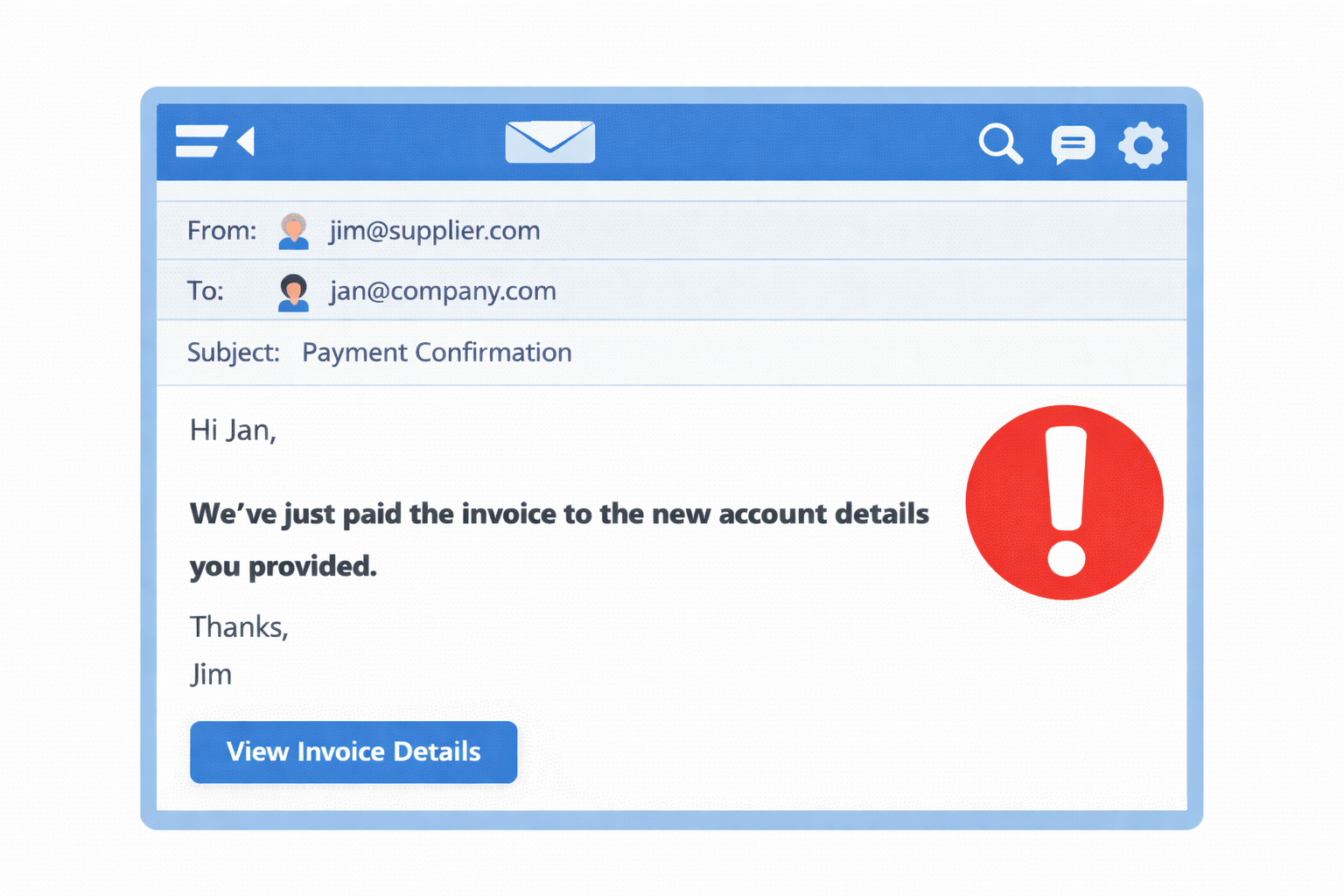
You’ve just receive an email from a client saying:
“Thanks — we’ve paid the invoice to the new bank account as instructed.”
Super. No. Wait. What? You never sent them an email. Fuck!
What happened?
This type of attack is known as ‘invoice fraud’ and the mechanism is called ‘spoofing’.
Someone ‘borrowed’ your @company.com domain name, and sent an email to a customer from their own server, pretending to be you[1]. The recipient saw an email with your exact email address, so they had very little reason to be suspicious.
There is a simple and powerful way to stop attacks like this. It’s called the Sender Policy Framework (SPF).
SPF decides who can send your email
The Sender Policy Framework (SPF) uses a DNS record to publish the list of servers which are allowed to send emails for the @company.com domain. When an email server receives an email from @company.com it will lookup the SPF record for that domain and decide if it should accept or reject an email received from that specific sender.
SPF uses a DNS ‘text record’, or TXT. You typically need SPF records for your Primary Email Provider like Microsoft 365 or Google Workspace. You’ll also need a record for any 3rd Party Email Provider like MailChimp or any App that sends email from your company domain.
SPF Records have four main fields like the record below.
v=spf1 ipv4:203.0.113.10 include:_spf.google.com –all
Which translates to:
Allow email from the server at 203.0.113.0 and what ever Google wants to permit but strictly deny (–) all other senders
SPF Fields
v=spf1
This is a mandatory field at the start of an SPF record.
ipv4:203.0.113.10
Normally used when you host your own emails servers. You probably want another email server address for redundancy
include:_spf.google.com
Include whatever in listed at this TXT DNS record. This is pretty standard behaviour, and allows a service provider to manage and expand their fleet of email senders without needing your help to update your SPF records.
The ‘all’ field
The all field is so important it gets its own section. Think of this as ‘catch-all’ or ‘all-other-senders‘. How should the receiving email server treat senders ‘other’ than those listed above?
–all
Strictly deny everything else. This is your goal. SPF doesn’t really protect you without this.
~all
Soft failure. Mark all other servers as ‘uncategorised’ to but allow them. This is a ‘learning mode’ allowing you to identify senders and explicitly permit them. You’re not actually protected but DMARC will report on these unlisted senders.
+all / all / (nothing)
Please don’t do this. This is the default behaviour, but it’s about as useful as a chocolate teapot. It’s like saying., ‘sure, just allow anything. We don’t care’.
How to enable SPF
Enabling SPF is really straight forward:
- Create a custom SPF TXT record with the format defined above.
- No need for any special subdomains or selectors
- Records are placed at your domain root, which is ‘@’ for most DNS configuration tools.
- You can validate really easily using ‘dig TXT <Insert_your_domain>’
SPF doesn’t need any server configuration for your domain. The receiving server identifies the sending server domain by examining the “MAIL FROM” information, which is provided in every email.
The mail protocol (SMTP) always includes this information. The receiver pulls the for DNS TXT records for your domain and searches through them until finds one beginning with v=spf1.
Failing open
All modern email receivers are checking for SPF records every time they receive an email. They have no idea, not a clue, if you have SFP enabled or not. It’s really important to note that SPF takes a fail-open approach.
No SPF record found => Don’t enforce SPF => Carry on.
You have control over SPF checks through your DNS configuration. As soon as you enable SPF by publishing your DNS records, the receivers can generate SPF check results.
⚠️ Warning
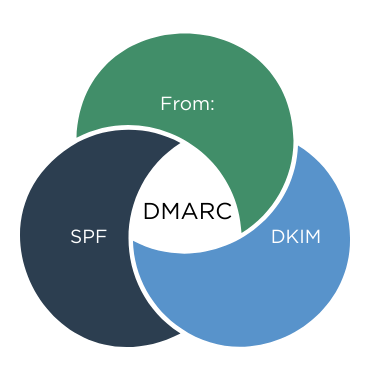
SPF and DKIM are useless without DMARC. They MUST be paired with a strong DMARC policy, set to reject failing checks, or they will have zero impact on your email security.
Was the scam a training or a technology gap?
Trick question, it’s was both. SPF is a powerful feature allowing you to auto-reject the spoofed email. However, Security Awareness Training (SAT) massively increases end-users ability to spot the scam.
So it’s not technology OR training. The solution is technology AND training. Combined. Rollcage Defence provides email security review services and realistic phishing simulation training powered by SoSafe. We’d love to hear from you.